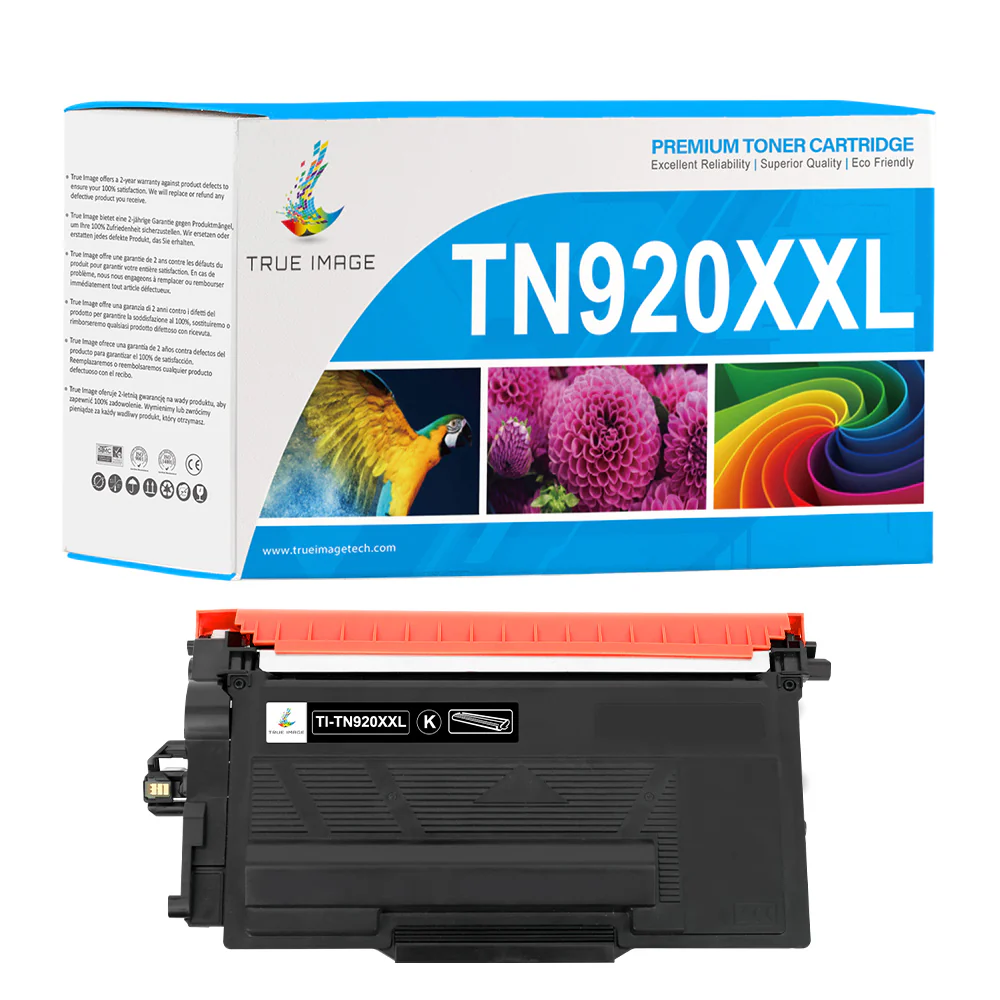
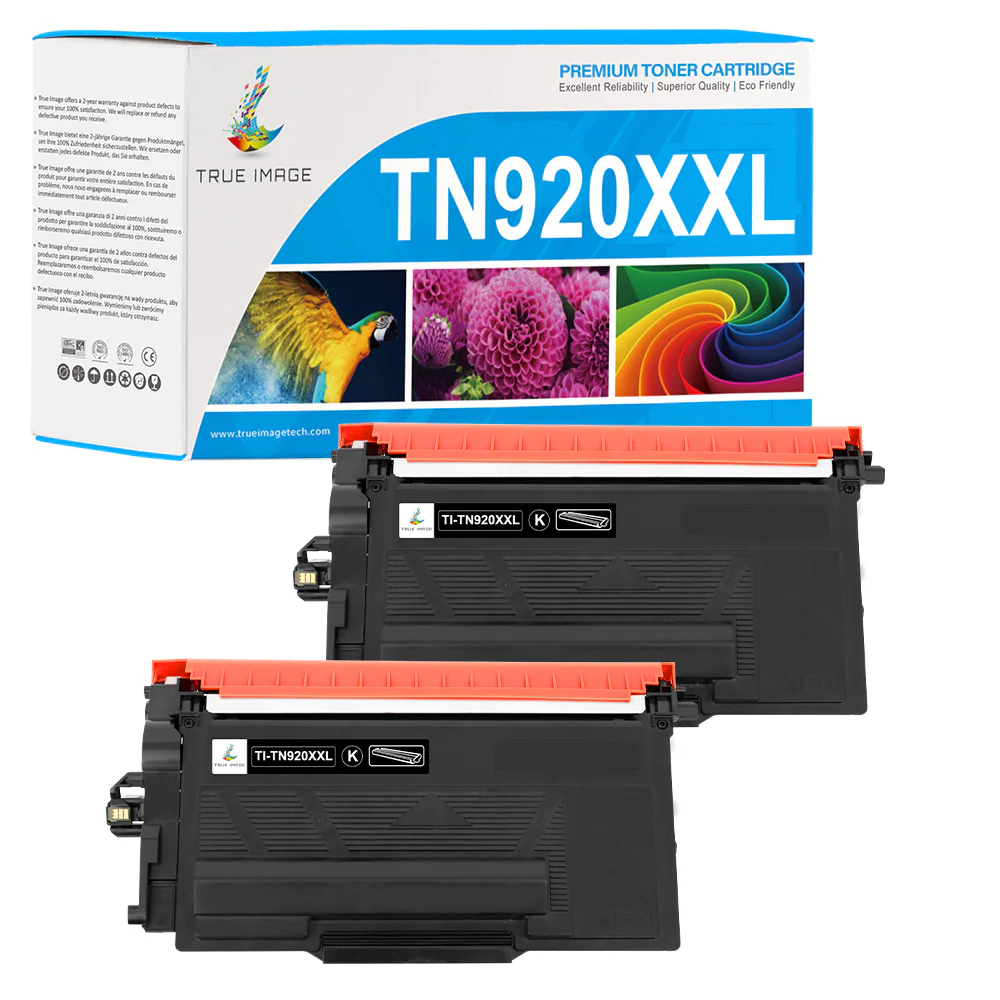
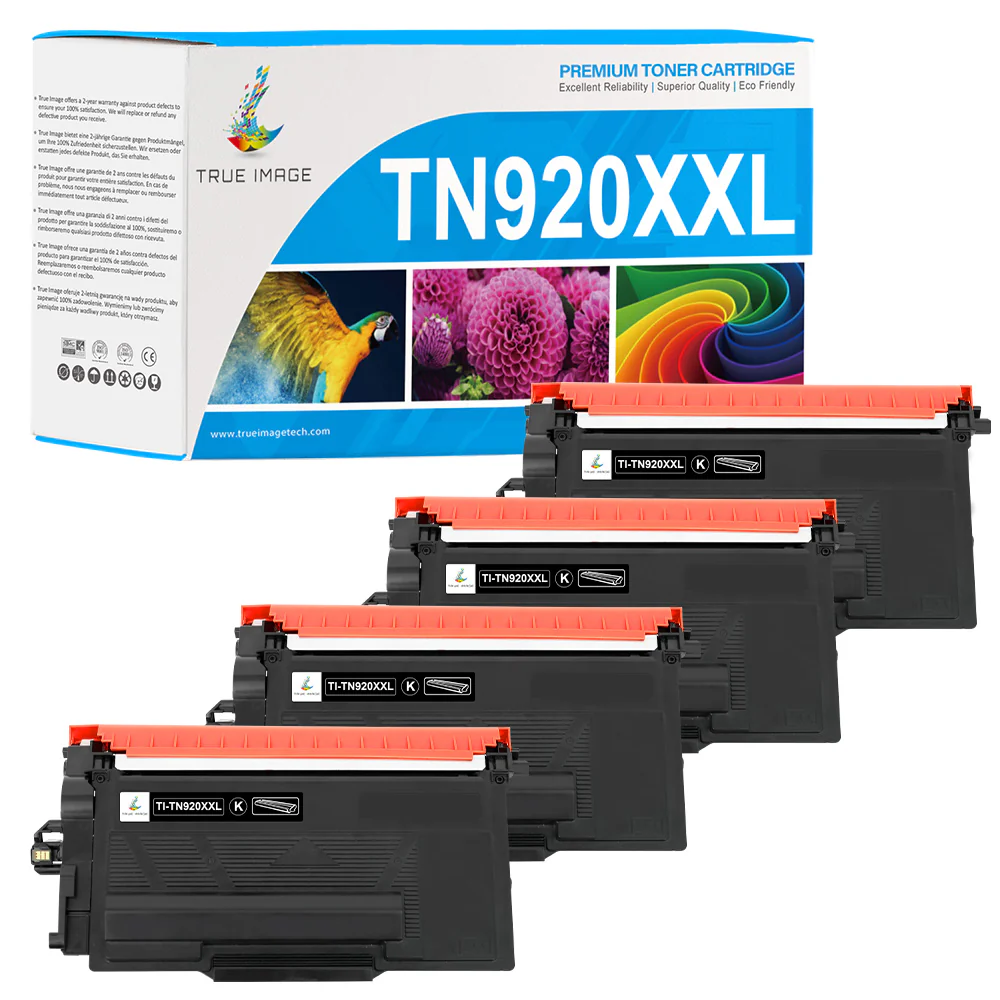
Compatible Brother TN920XXL Toner Cartridge (TN-920XXL) - Super High Yield
What Makes Compatible Brother TN920XXL Toner Cartridge Worth Buying
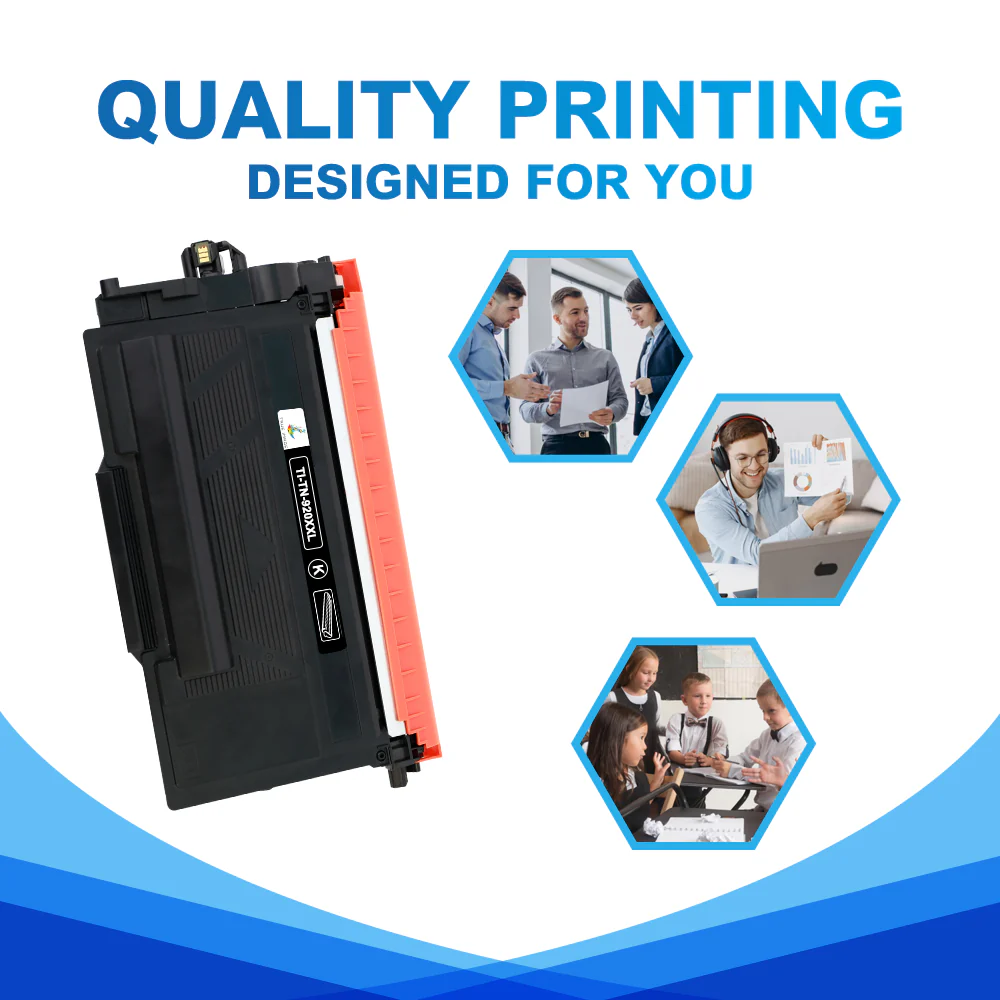
Reliable Quality: Using cheap third-party toner cartridges doesn't mean you have to give up high print quality. True Image introduces this Brother TN920XXL compatible toner featuring with both affordability and high quality. We utilize the finest raw materials combined with advanced technologies to ensure its consistent performance. Print with this TN920XXL toner to bring your project to life with precise, black text and images.
Easy Installation: This TN920XXL Brother toner is designed against OEM specifications. It has genuine-like physical shapes to ensure its perfect fit inside the printer. Aside from this, it has a smart IC chip that makes your printer quickly recognize the new cartridge. So, there are no comprehensive procedures or additional tools required when you install it. Place the cartridge into the drum unit. Then, install the cartridge and drum unit assembly into the printer. Your printer is ready to work!
Product Warranty: Experience printing peace of mind like never before. We provide responsive customer support and warranties for Brother TN920XXL toners. You will not bear the loss of the defective cartridge. If the cartridge can't work properly, you can get technical support, reissue it, or get a refund within its 2-year warranty period.
Frequently Asked Questions about Compatible Brother TN920XXL Black Toner Cartridge
Which printers are compatible with Brother TN920XXL toner?
Are TN920XXL and TN920UXXL the same?
In addition to the page yield, they differ slightly in compatible printer models. TN920UXXL is for use with Brother HL-L5215DW, HL-L6210DW/DWT, HL-L6310DW, HL-L6415DW/DWT, HL-EX415DW, MFC-L5715DW, MFC-L5915DW, MFC-L6810DW, MFC-L6915DW, and MFC-EX915DW.
However, the TN920XXL can be used in other models besides the ones mentioned above. Therefore, confirm compatibility first if you want to switch from TN920XXL to ultra-high-yield TN920UXXL.
How to replace Brother TN920XXL toner cartridge?
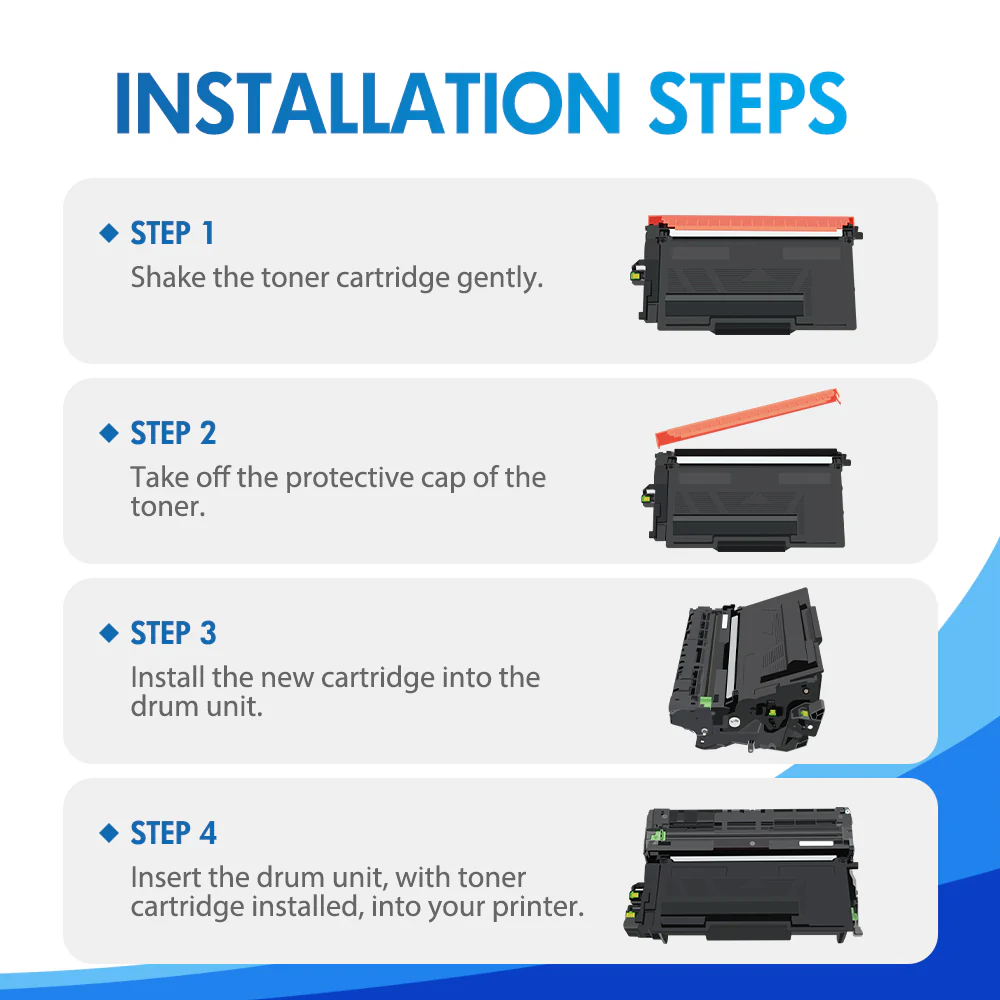
1. Ensure the printer is powered on before starting the replacement process.
2. Open the printer's front cover to access the toner cartridge and drum unit assembly.
3. Carefully remove the toner cartridge and drum unit assembly from the printer.
4. Press the green lock lever to unlock and remove the used toner cartridge from the drum unit.
5. Unpack the new TN920XXL cartridge and remove any protective covers or seals.
6. Gently shake the new cartridge from side to side a few times to evenly distribute the toner inside.
7. Insert the new cartridge into the drum unit, ensuring it fits properly and locks securely.
8. Slide the green slider left and right to clean the corona wire, ensuring the slider is returned to its Home position.
9. Reinsert the cartridge and drum unit assembly back into the printer, making sure it's properly seated.
10. Close the printer's front cover securely.
11. Allow the printer some time to initialize and return to its Ready Mode before using it.
Compatible Brother TN920XXL Toner Cartridge (TN-920XXL) - With Chip - Super High Yield Specifications
| True Image SKU | SNU-TISXGTI-B0920XX-1P-FM-ED2-WCC |
| Product Brand | True Image |
| OEM Number | TN920XXL |
| Product Capacity | Super High Yield |
| Shelf Life | 24--36 Months |
| Page Yield | 11,000 |
| Cost Per Page | 0.54 cents |
More Images


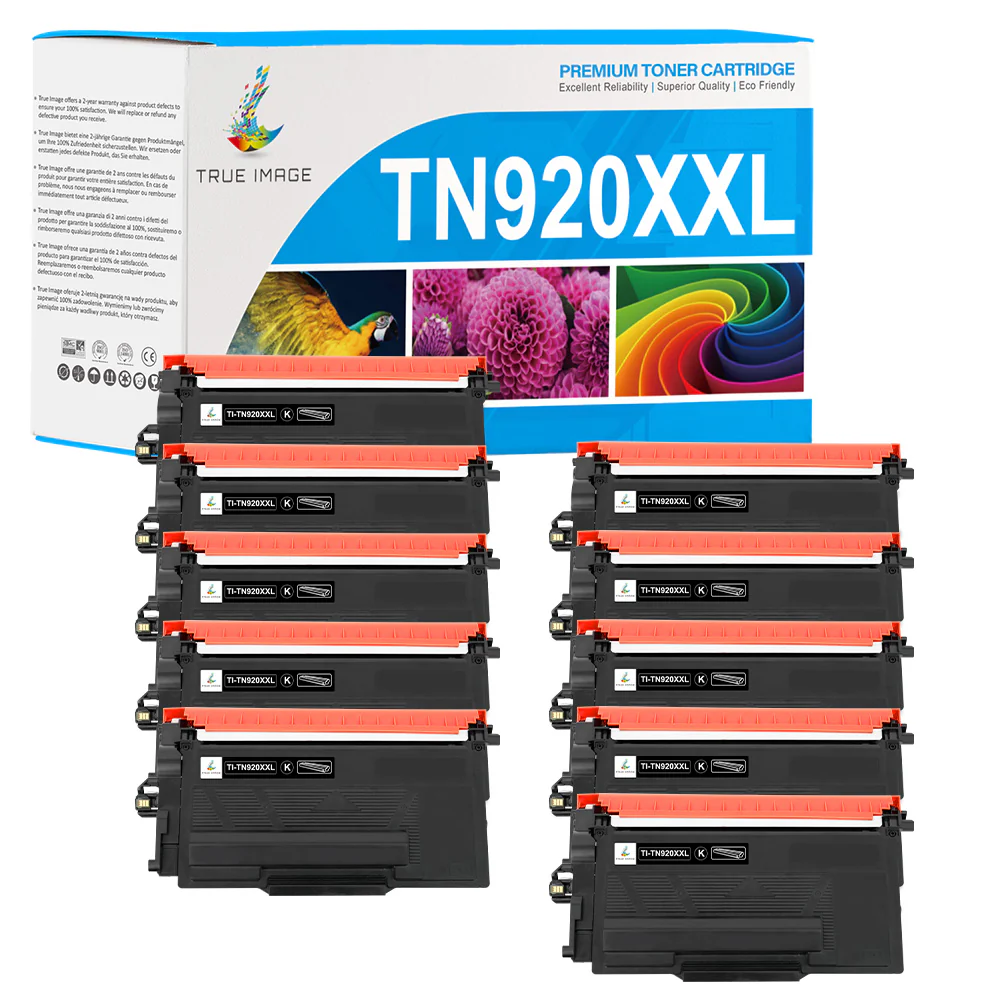
Compatible Brother TN920XXL Toner Cartridge (TN-920XXL) - Super High Yield
What Makes Compatible Brother TN920XXL Toner Cartridge Worth Buying
Reliable Quality: Using cheap third-party toner cartridges doesn't mean you have to give up high print quality. True Image introduces this Brother TN920XXL compatible toner featuring with both affordability and high quality. We utilize the finest raw materials combined with advanced technologies to ensure its consistent performance. Print with this TN920XXL toner to bring your project to life with precise, black text and images.
Easy Installation: This TN920XXL Brother toner is designed against OEM specifications. It has genuine-like physical shapes to ensure its perfect fit inside the printer. Aside from this, it has a smart IC chip that makes your printer quickly recognize the new cartridge. So, there are no comprehensive procedures or additional tools required when you install it. Place the cartridge into the drum unit. Then, install the cartridge and drum unit assembly into the printer. Your printer is ready to work!
Product Warranty: Experience printing peace of mind like never before. We provide responsive customer support and warranties for Brother TN920XXL toners. You will not bear the loss of the defective cartridge. If the cartridge can't work properly, you can get technical support, reissue it, or get a refund within its 2-year warranty period.
Frequently Asked Questions about Compatible Brother TN920XXL Black Toner Cartridge
Which printers are compatible with Brother TN920XXL toner?
Are TN920XXL and TN920UXXL the same?
In addition to the page yield, they differ slightly in compatible printer models. TN920UXXL is for use with Brother HL-L5215DW, HL-L6210DW/DWT, HL-L6310DW, HL-L6415DW/DWT, HL-EX415DW, MFC-L5715DW, MFC-L5915DW, MFC-L6810DW, MFC-L6915DW, and MFC-EX915DW.
However, the TN920XXL can be used in other models besides the ones mentioned above. Therefore, confirm compatibility first if you want to switch from TN920XXL to ultra-high-yield TN920UXXL.
How to replace Brother TN920XXL toner cartridge?
1. Ensure the printer is powered on before starting the replacement process.
2. Open the printer's front cover to access the toner cartridge and drum unit assembly.
3. Carefully remove the toner cartridge and drum unit assembly from the printer.
4. Press the green lock lever to unlock and remove the used toner cartridge from the drum unit.
5. Unpack the new TN920XXL cartridge and remove any protective covers or seals.
6. Gently shake the new cartridge from side to side a few times to evenly distribute the toner inside.
7. Insert the new cartridge into the drum unit, ensuring it fits properly and locks securely.
8. Slide the green slider left and right to clean the corona wire, ensuring the slider is returned to its Home position.
9. Reinsert the cartridge and drum unit assembly back into the printer, making sure it's properly seated.
10. Close the printer's front cover securely.
11. Allow the printer some time to initialize and return to its Ready Mode before using it.
Compatible Brother TN920XXL Toner Cartridge (TN-920XXL) - With Chip - Super High Yield Specifications
| True Image SKU | SNU-TISXGTI-B0920XX-1P-FM-ED2-WCC |
| Product Brand | True Image |
| OEM Number | TN920XXL |
| Product Capacity | Super High Yield |
| Shelf Life | 24--36 Months |
| Page Yield | 11,000 |
| Cost Per Page | 0.54 cents |
Product Information
Product Information
Shipping & Returns
Shipping & Returns
Description
What Makes Compatible Brother TN920XXL Toner Cartridge Worth Buying
Reliable Quality: Using cheap third-party toner cartridges doesn't mean you have to give up high print quality. True Image introduces this Brother TN920XXL compatible toner featuring with both affordability and high quality. We utilize the finest raw materials combined with advanced technologies to ensure its consistent performance. Print with this TN920XXL toner to bring your project to life with precise, black text and images.
Easy Installation: This TN920XXL Brother toner is designed against OEM specifications. It has genuine-like physical shapes to ensure its perfect fit inside the printer. Aside from this, it has a smart IC chip that makes your printer quickly recognize the new cartridge. So, there are no comprehensive procedures or additional tools required when you install it. Place the cartridge into the drum unit. Then, install the cartridge and drum unit assembly into the printer. Your printer is ready to work!
Product Warranty: Experience printing peace of mind like never before. We provide responsive customer support and warranties for Brother TN920XXL toners. You will not bear the loss of the defective cartridge. If the cartridge can't work properly, you can get technical support, reissue it, or get a refund within its 2-year warranty period.
Frequently Asked Questions about Compatible Brother TN920XXL Black Toner Cartridge
Which printers are compatible with Brother TN920XXL toner?
Are TN920XXL and TN920UXXL the same?
In addition to the page yield, they differ slightly in compatible printer models. TN920UXXL is for use with Brother HL-L5215DW, HL-L6210DW/DWT, HL-L6310DW, HL-L6415DW/DWT, HL-EX415DW, MFC-L5715DW, MFC-L5915DW, MFC-L6810DW, MFC-L6915DW, and MFC-EX915DW.
However, the TN920XXL can be used in other models besides the ones mentioned above. Therefore, confirm compatibility first if you want to switch from TN920XXL to ultra-high-yield TN920UXXL.
How to replace Brother TN920XXL toner cartridge?
1. Ensure the printer is powered on before starting the replacement process.
2. Open the printer's front cover to access the toner cartridge and drum unit assembly.
3. Carefully remove the toner cartridge and drum unit assembly from the printer.
4. Press the green lock lever to unlock and remove the used toner cartridge from the drum unit.
5. Unpack the new TN920XXL cartridge and remove any protective covers or seals.
6. Gently shake the new cartridge from side to side a few times to evenly distribute the toner inside.
7. Insert the new cartridge into the drum unit, ensuring it fits properly and locks securely.
8. Slide the green slider left and right to clean the corona wire, ensuring the slider is returned to its Home position.
9. Reinsert the cartridge and drum unit assembly back into the printer, making sure it's properly seated.
10. Close the printer's front cover securely.
11. Allow the printer some time to initialize and return to its Ready Mode before using it.
Compatible Brother TN920XXL Toner Cartridge (TN-920XXL) - With Chip - Super High Yield Specifications
| True Image SKU | SNU-TISXGTI-B0920XX-1P-FM-ED2-WCC |
| Product Brand | True Image |
| OEM Number | TN920XXL |
| Product Capacity | Super High Yield |
| Shelf Life | 24--36 Months |
| Page Yield | 11,000 |
| Cost Per Page | 0.54 cents |