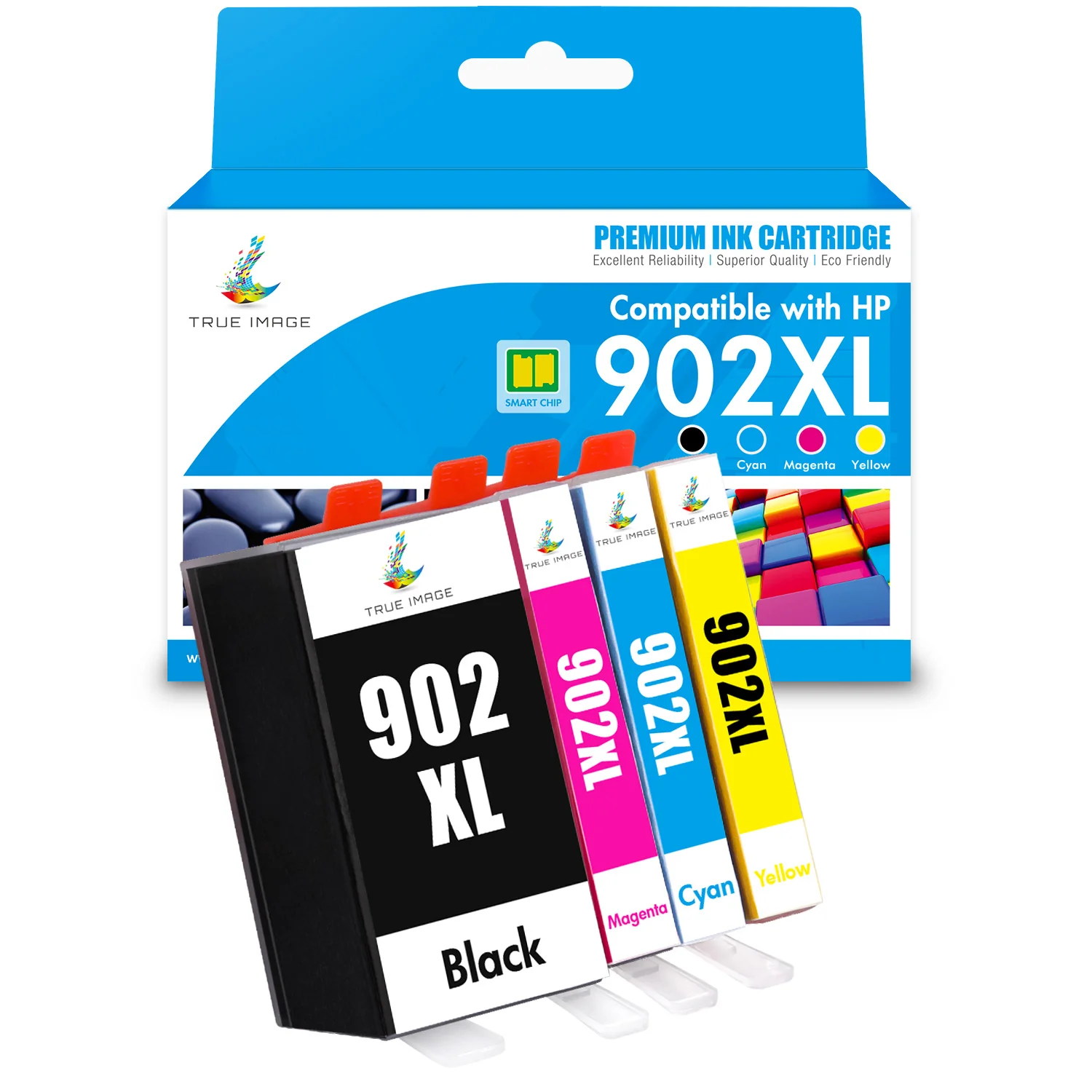
Compatible HP 902XL (Firmware Safe) High-Yield Ink Cartridges Combo Pack
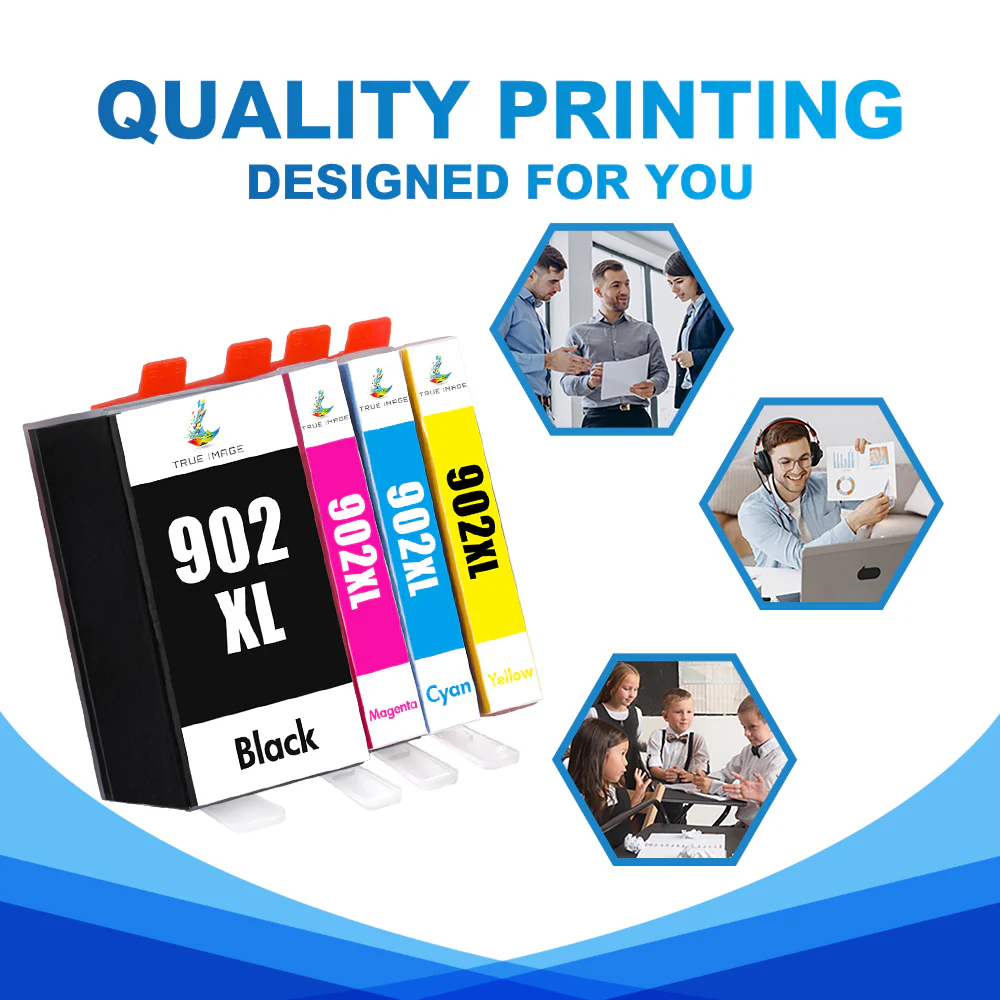
Save your office budget and increase productivity. This compatible HP 902 high-yield ink cartridge set (HP 902XL 4-Pack/5-Pack) has all the features you could hope for. Simple installation, quick recognition, no leakage, bright colors, long-lasting work, and cheap price.
Firmware-safe technology
True Image compatible HP 902XL ink cartridges feature firmware-safe technology. With our ink cartridges, you will no longer have to worry about printer firmware updates because they are completely safe against any future firmware updates. Additionally, our compatible HP 902XL ink cartridges are fully functional for use in HP+ printers (-e models), reducing the compatibility issue caused by HP Instant Ink.
Verified compatibilty
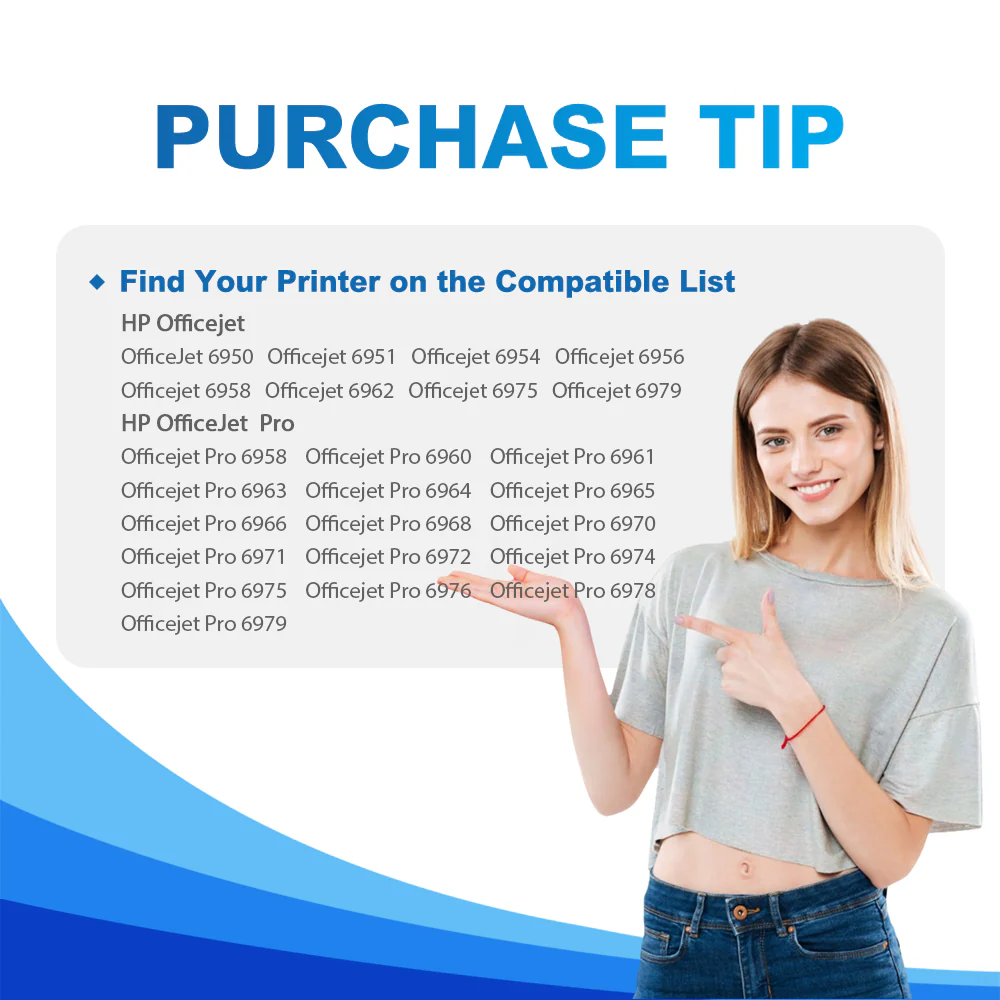
Our compatible HP 902XL high-yield ink cartridges are designed to work seemingly with HP officejet pro 6968 6961 6970 6971 6975 6978 and HP officejet 6951 6954 6958 6962 inkjet printers. With advanced chip technology, they will give you a peace of mind at any time.
Easy-to-use design
We often hear customers say: give me convenience, or die. So when we designed these ink cartridges, we have been adhering to the principle of easy installation.
- No excessive packaging, but enough to protect our cartridges from being damaged in transit.
- A clear user manual allows you to understand the correct use of the product in seconds.
- A clear plastic bag and orange protective cap keep each cartridge in perfect condition.
All you need to do is open the box, take out the ink cartridge and remove the orange protective cap. Then you can replace the empty ink cartridge and start printing.
High-yield color set
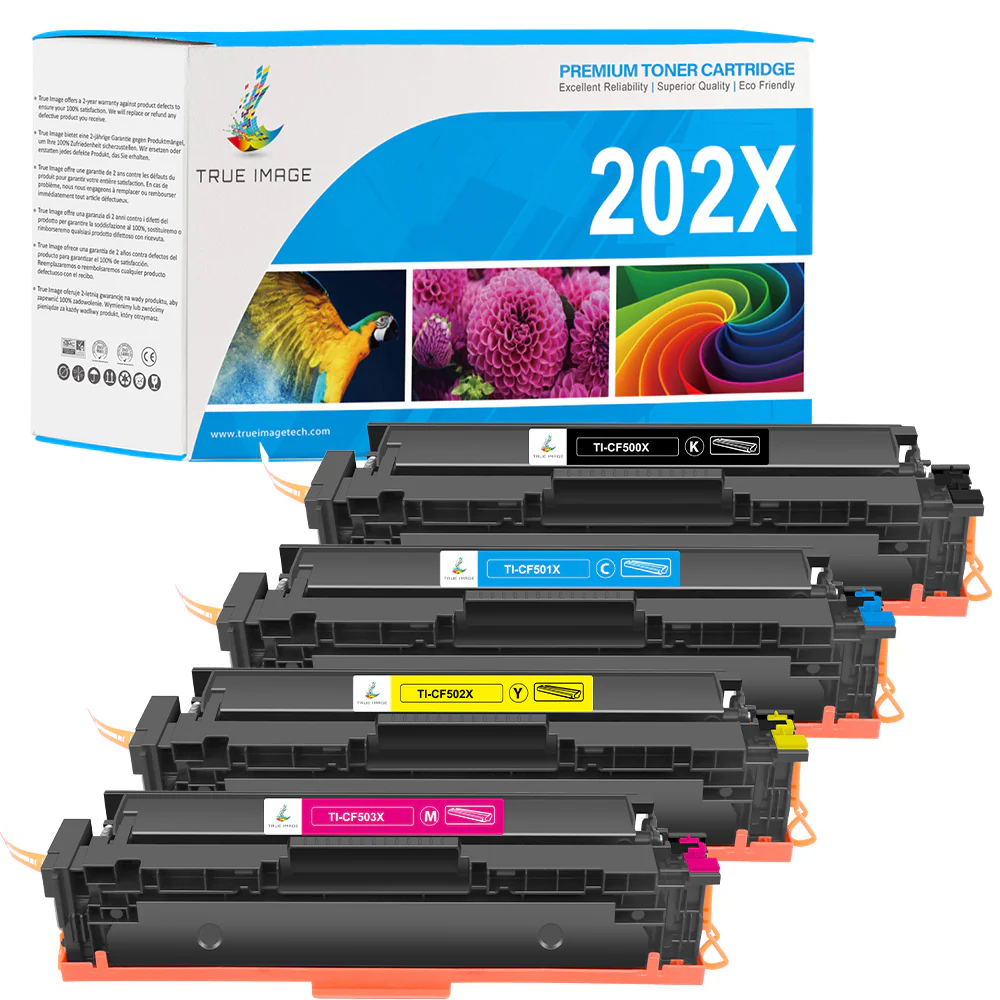
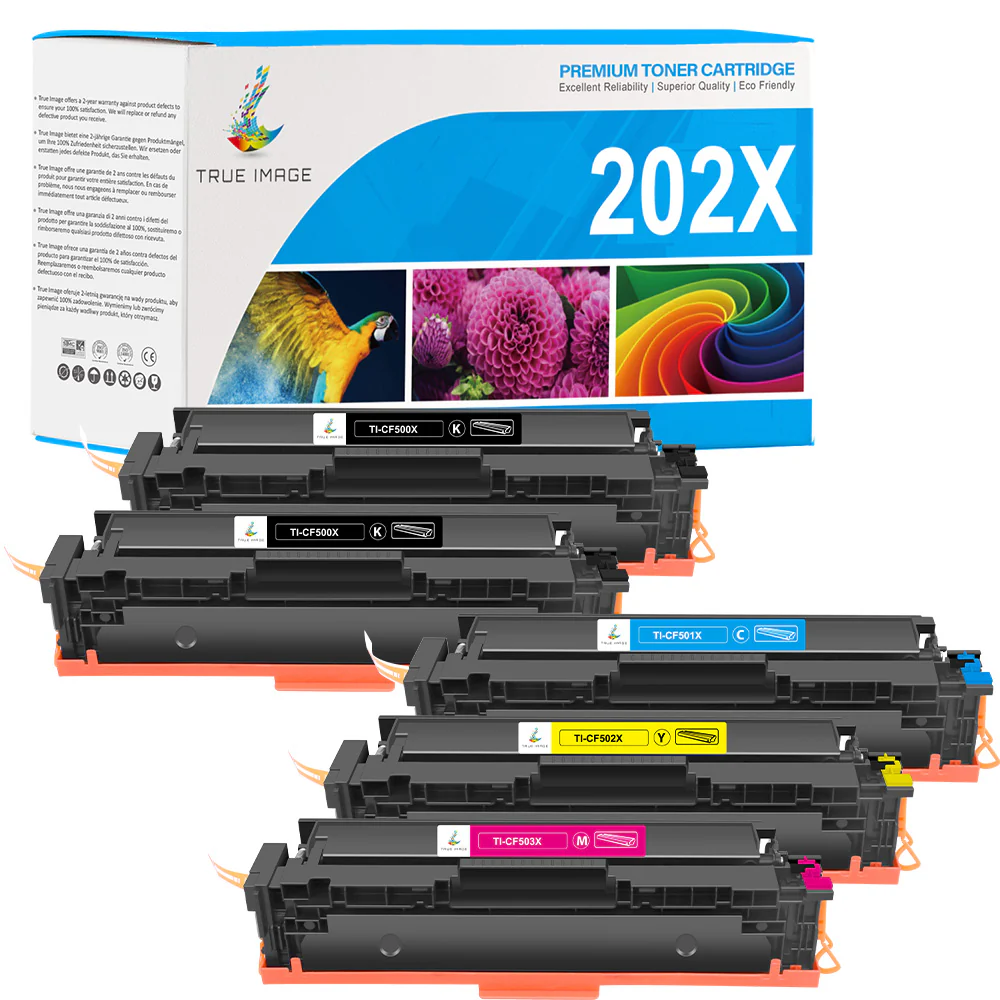
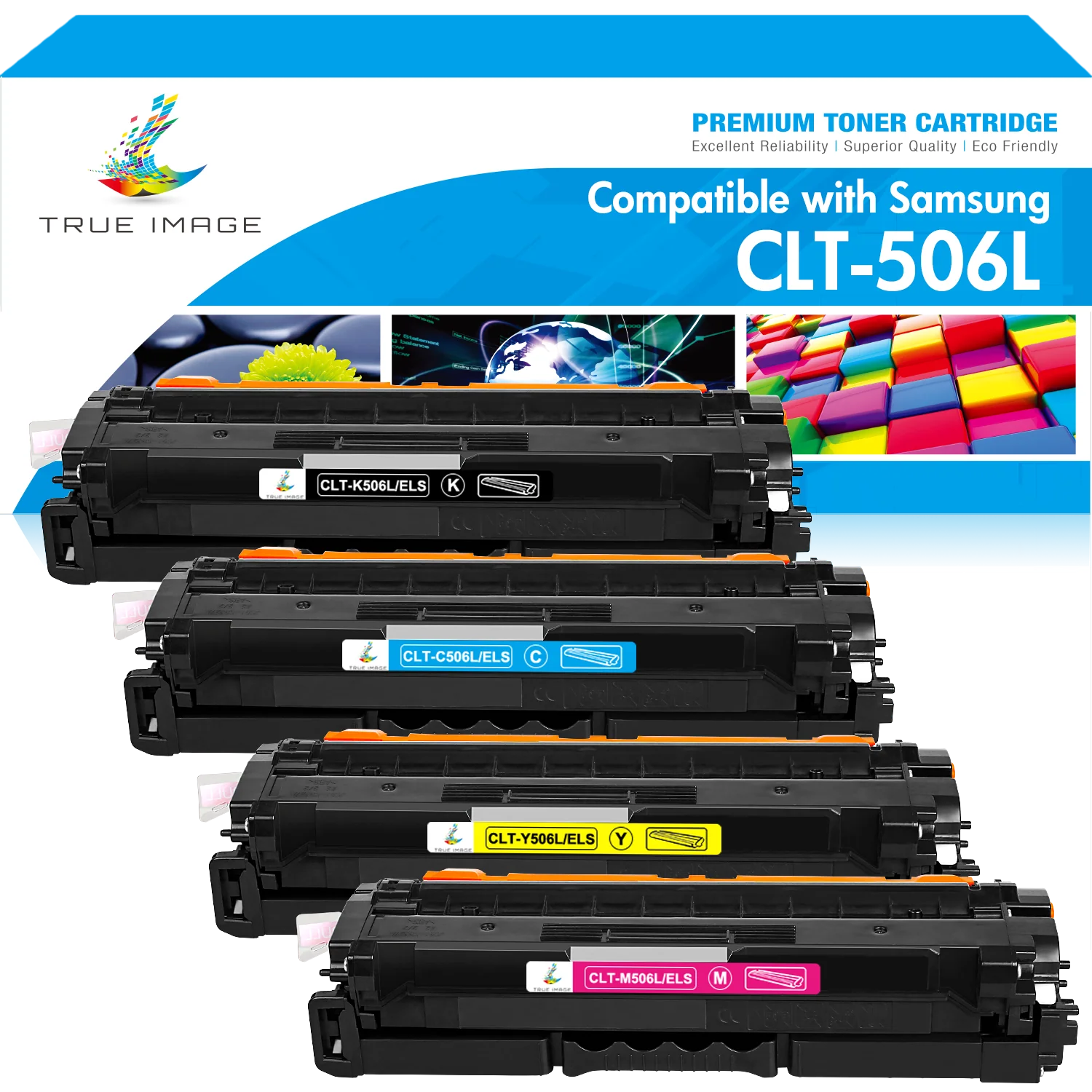
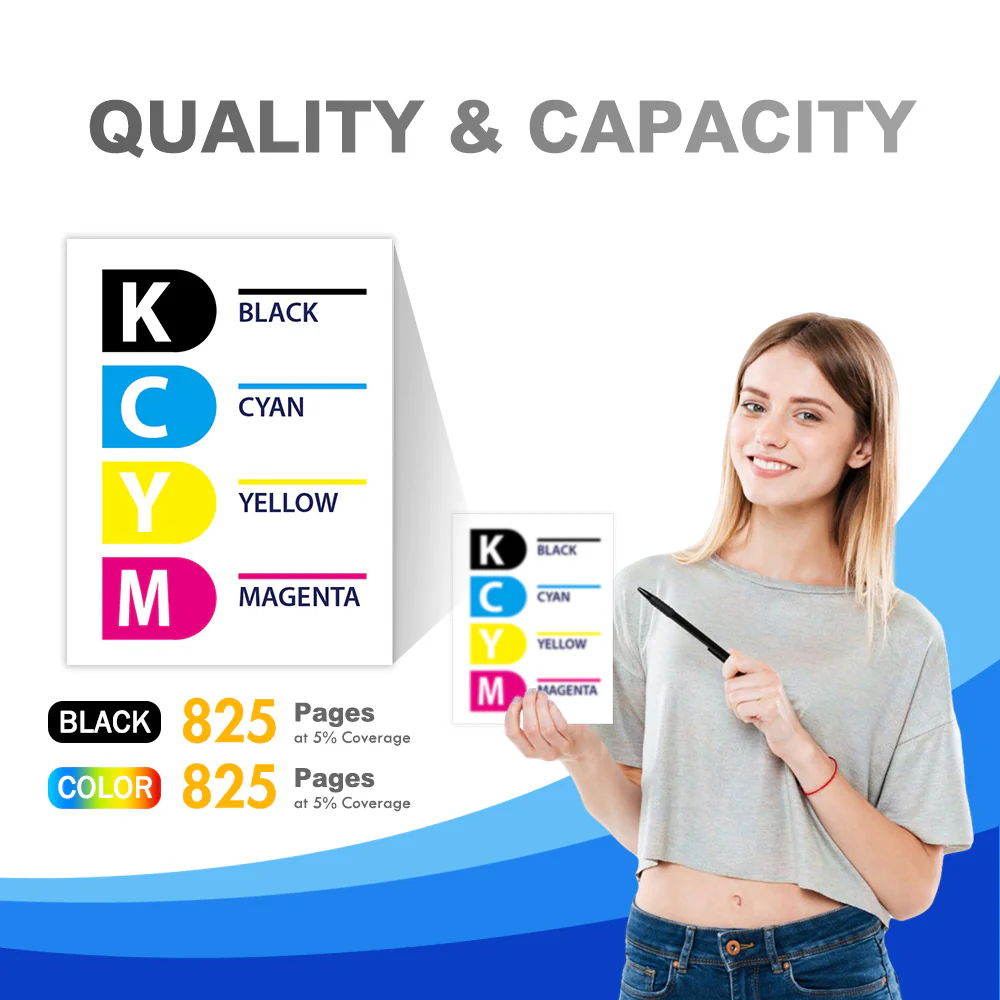
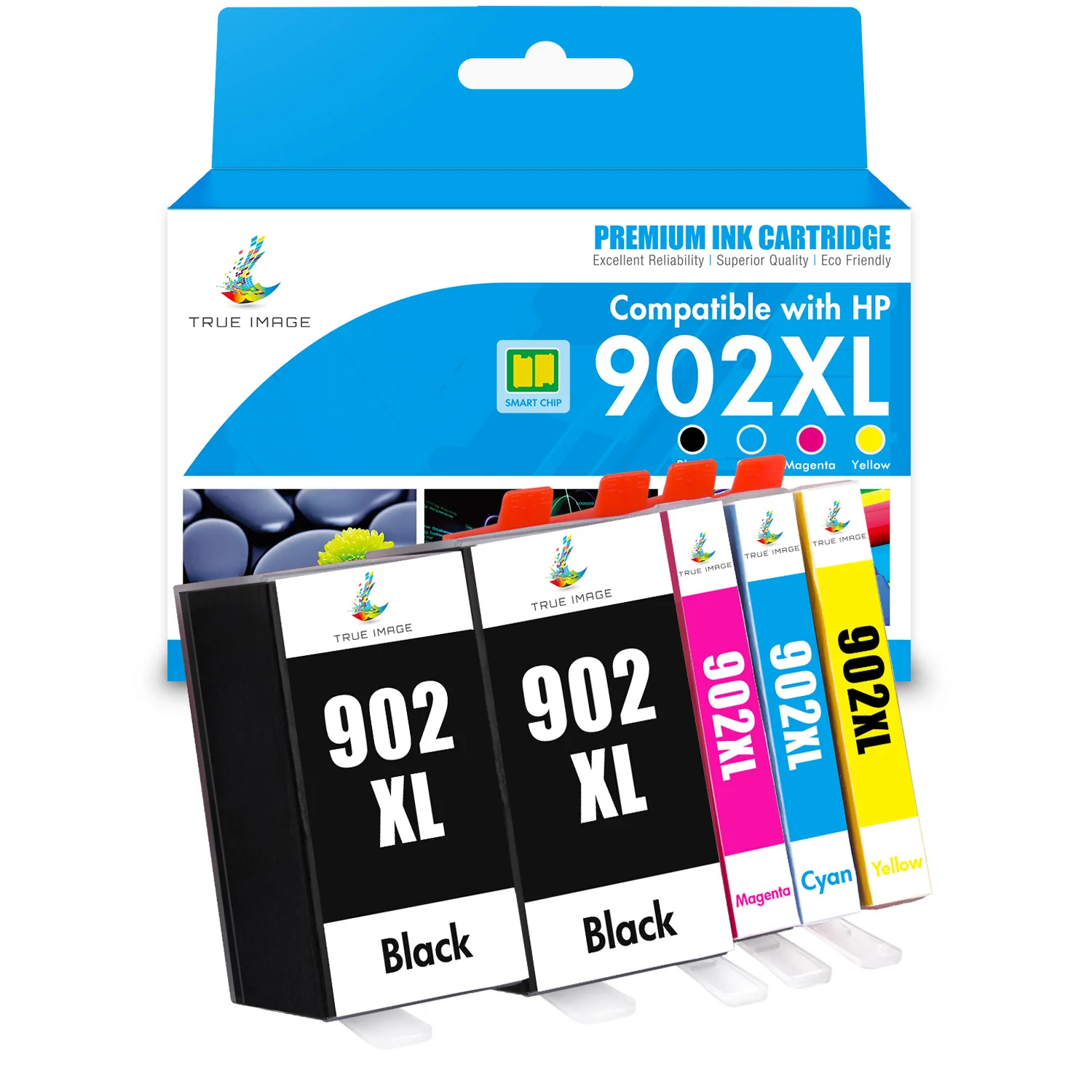
This compatible HP902XL combo pack contains high-yield color toner cartridges for black, cyan, yellow, and magenta. Each cartridge is filled with high-quality ink to print up to 825 pages of vivid color. With this combo pack, you have everything you need to print more for less.
Affordable price
Our compatible HP 902XL ink cartridges are a game changer. With our cartridges, you can save over 50% on your printing costs without sacrificing print quality. Why pay over $100 to buy original HP ink cartridges?
Are you also looking for more HP cartridges with best deals? Check out our offers for compatible HP ink and toner cartridges.
Frequently Asked Questions about HP 902XL Ink Cartridges
What is HP Instant Ink?
HP Instant Ink is a monthly subscription for original HP ink and toner cartridges. If you are a subscriber, you can get free HP 902 ink cartridges and cartridge delivery. But HP will charge you monthly based on the plan you selected and your print volumn. And you can not use 3rd party printer cartridges. If you want to save money by using more 3rd party printer cartridges, please cancel the HP Instant Ink subscription first.
How to install our compatible HP 902XL 4-Pack/5-Pack ink cartridges?
Our HP 902XL ink cartridges feature a user-friendly design. So you can install them very easily. Please follow the below steps:
- Keep your printer power on.
- Open the printer cover. Then the ink cartridge slot will move to the center autometically.
- Release the empty ink cartridge and remove it from printer.
- Take out the new 902XL ink replacement and remove the package as welll as the orange protective cap.
- Insert the new ink into the slot untill you hear a click sound.
- Close the printer cover.
How to disable auto printer firmware update?
HP printer firmware updates might cause compatibility issues with 3rd-party ink cartridges. So it's recommended to disable HP printer firmware updates.
- Trun off your printer.
- On the printer screen, swip down to open the drop-down menu.
- Click the Setup icon on the top-left corner of the menu.
- Slide down to find Printer Maintenance and click on it.
- Slide down to select Update the Printer.
- Click on Printer Update Options
- Choose DO NOT CHECK and press NO to confirm disabling auto update.
How to clean printhead?
Cleaning the print head prevents printer ink from drying out and improves print quality.
- On the printer screen, swip down to open the drop-down menu.
- Click the Setup icon on the top-left corner of the menu.
- Slide down to find Printer Maintenance and click on it.
- Click Print Printerhead and press Continue to confirm cleaning.
- After 2 minutes, your printer will finish cleaning process.
True Image Compatible HP 902XL Combo Pack Specifications
| True Image SKU | SNU-TIS-USINKTI-HP902X-KY-FM-CB25 |
| Product Brand | True Image |
| OEM Number | T6M14AN, T6M02AN, T6M06AN, T6M10AN |
| Product Capacity | High Yield |
| Shelf Life | 18-24 Months |
| Page Yield | Black 825 Pages, Cyan/Yellow/Magenta 825 Pages |
| Cost Per Page | 1.21 cents |
More Images

Compatible HP 902XL (Firmware Safe) High-Yield Ink Cartridges Combo Pack
Save your office budget and increase productivity. This compatible HP 902 high-yield ink cartridge set (HP 902XL 4-Pack/5-Pack) has all the features you could hope for. Simple installation, quick recognition, no leakage, bright colors, long-lasting work, and cheap price.
Firmware-safe technology
True Image compatible HP 902XL ink cartridges feature firmware-safe technology. With our ink cartridges, you will no longer have to worry about printer firmware updates because they are completely safe against any future firmware updates. Additionally, our compatible HP 902XL ink cartridges are fully functional for use in HP+ printers (-e models), reducing the compatibility issue caused by HP Instant Ink.
Verified compatibilty
Our compatible HP 902XL high-yield ink cartridges are designed to work seemingly with HP officejet pro 6968 6961 6970 6971 6975 6978 and HP officejet 6951 6954 6958 6962 inkjet printers. With advanced chip technology, they will give you a peace of mind at any time.
Easy-to-use design
We often hear customers say: give me convenience, or die. So when we designed these ink cartridges, we have been adhering to the principle of easy installation.
- No excessive packaging, but enough to protect our cartridges from being damaged in transit.
- A clear user manual allows you to understand the correct use of the product in seconds.
- A clear plastic bag and orange protective cap keep each cartridge in perfect condition.
All you need to do is open the box, take out the ink cartridge and remove the orange protective cap. Then you can replace the empty ink cartridge and start printing.
High-yield color set
This compatible HP902XL combo pack contains high-yield color toner cartridges for black, cyan, yellow, and magenta. Each cartridge is filled with high-quality ink to print up to 825 pages of vivid color. With this combo pack, you have everything you need to print more for less.
Affordable price
Our compatible HP 902XL ink cartridges are a game changer. With our cartridges, you can save over 50% on your printing costs without sacrificing print quality. Why pay over $100 to buy original HP ink cartridges?
Are you also looking for more HP cartridges with best deals? Check out our offers for compatible HP ink and toner cartridges.
Frequently Asked Questions about HP 902XL Ink Cartridges
What is HP Instant Ink?
HP Instant Ink is a monthly subscription for original HP ink and toner cartridges. If you are a subscriber, you can get free HP 902 ink cartridges and cartridge delivery. But HP will charge you monthly based on the plan you selected and your print volumn. And you can not use 3rd party printer cartridges. If you want to save money by using more 3rd party printer cartridges, please cancel the HP Instant Ink subscription first.
How to install our compatible HP 902XL 4-Pack/5-Pack ink cartridges?
Our HP 902XL ink cartridges feature a user-friendly design. So you can install them very easily. Please follow the below steps:
- Keep your printer power on.
- Open the printer cover. Then the ink cartridge slot will move to the center autometically.
- Release the empty ink cartridge and remove it from printer.
- Take out the new 902XL ink replacement and remove the package as welll as the orange protective cap.
- Insert the new ink into the slot untill you hear a click sound.
- Close the printer cover.
How to disable auto printer firmware update?
HP printer firmware updates might cause compatibility issues with 3rd-party ink cartridges. So it's recommended to disable HP printer firmware updates.
- Trun off your printer.
- On the printer screen, swip down to open the drop-down menu.
- Click the Setup icon on the top-left corner of the menu.
- Slide down to find Printer Maintenance and click on it.
- Slide down to select Update the Printer.
- Click on Printer Update Options
- Choose DO NOT CHECK and press NO to confirm disabling auto update.
How to clean printhead?
Cleaning the print head prevents printer ink from drying out and improves print quality.
- On the printer screen, swip down to open the drop-down menu.
- Click the Setup icon on the top-left corner of the menu.
- Slide down to find Printer Maintenance and click on it.
- Click Print Printerhead and press Continue to confirm cleaning.
- After 2 minutes, your printer will finish cleaning process.
True Image Compatible HP 902XL Combo Pack Specifications
| True Image SKU | SNU-TIS-USINKTI-HP902X-KY-FM-CB25 |
| Product Brand | True Image |
| OEM Number | T6M14AN, T6M02AN, T6M06AN, T6M10AN |
| Product Capacity | High Yield |
| Shelf Life | 18-24 Months |
| Page Yield | Black 825 Pages, Cyan/Yellow/Magenta 825 Pages |
| Cost Per Page | 1.21 cents |
Product Information
Product Information
Shipping & Returns
Shipping & Returns
Description
Save your office budget and increase productivity. This compatible HP 902 high-yield ink cartridge set (HP 902XL 4-Pack/5-Pack) has all the features you could hope for. Simple installation, quick recognition, no leakage, bright colors, long-lasting work, and cheap price.
Firmware-safe technology
True Image compatible HP 902XL ink cartridges feature firmware-safe technology. With our ink cartridges, you will no longer have to worry about printer firmware updates because they are completely safe against any future firmware updates. Additionally, our compatible HP 902XL ink cartridges are fully functional for use in HP+ printers (-e models), reducing the compatibility issue caused by HP Instant Ink.
Verified compatibilty
Our compatible HP 902XL high-yield ink cartridges are designed to work seemingly with HP officejet pro 6968 6961 6970 6971 6975 6978 and HP officejet 6951 6954 6958 6962 inkjet printers. With advanced chip technology, they will give you a peace of mind at any time.
Easy-to-use design
We often hear customers say: give me convenience, or die. So when we designed these ink cartridges, we have been adhering to the principle of easy installation.
- No excessive packaging, but enough to protect our cartridges from being damaged in transit.
- A clear user manual allows you to understand the correct use of the product in seconds.
- A clear plastic bag and orange protective cap keep each cartridge in perfect condition.
All you need to do is open the box, take out the ink cartridge and remove the orange protective cap. Then you can replace the empty ink cartridge and start printing.
High-yield color set
This compatible HP902XL combo pack contains high-yield color toner cartridges for black, cyan, yellow, and magenta. Each cartridge is filled with high-quality ink to print up to 825 pages of vivid color. With this combo pack, you have everything you need to print more for less.
Affordable price
Our compatible HP 902XL ink cartridges are a game changer. With our cartridges, you can save over 50% on your printing costs without sacrificing print quality. Why pay over $100 to buy original HP ink cartridges?
Are you also looking for more HP cartridges with best deals? Check out our offers for compatible HP ink and toner cartridges.
Frequently Asked Questions about HP 902XL Ink Cartridges
What is HP Instant Ink?
HP Instant Ink is a monthly subscription for original HP ink and toner cartridges. If you are a subscriber, you can get free HP 902 ink cartridges and cartridge delivery. But HP will charge you monthly based on the plan you selected and your print volumn. And you can not use 3rd party printer cartridges. If you want to save money by using more 3rd party printer cartridges, please cancel the HP Instant Ink subscription first.
How to install our compatible HP 902XL 4-Pack/5-Pack ink cartridges?
Our HP 902XL ink cartridges feature a user-friendly design. So you can install them very easily. Please follow the below steps:
- Keep your printer power on.
- Open the printer cover. Then the ink cartridge slot will move to the center autometically.
- Release the empty ink cartridge and remove it from printer.
- Take out the new 902XL ink replacement and remove the package as welll as the orange protective cap.
- Insert the new ink into the slot untill you hear a click sound.
- Close the printer cover.
How to disable auto printer firmware update?
HP printer firmware updates might cause compatibility issues with 3rd-party ink cartridges. So it's recommended to disable HP printer firmware updates.
- Trun off your printer.
- On the printer screen, swip down to open the drop-down menu.
- Click the Setup icon on the top-left corner of the menu.
- Slide down to find Printer Maintenance and click on it.
- Slide down to select Update the Printer.
- Click on Printer Update Options
- Choose DO NOT CHECK and press NO to confirm disabling auto update.
How to clean printhead?
Cleaning the print head prevents printer ink from drying out and improves print quality.
- On the printer screen, swip down to open the drop-down menu.
- Click the Setup icon on the top-left corner of the menu.
- Slide down to find Printer Maintenance and click on it.
- Click Print Printerhead and press Continue to confirm cleaning.
- After 2 minutes, your printer will finish cleaning process.
True Image Compatible HP 902XL Combo Pack Specifications
| True Image SKU | SNU-TIS-USINKTI-HP902X-KY-FM-CB25 |
| Product Brand | True Image |
| OEM Number | T6M14AN, T6M02AN, T6M06AN, T6M10AN |
| Product Capacity | High Yield |
| Shelf Life | 18-24 Months |
| Page Yield | Black 825 Pages, Cyan/Yellow/Magenta 825 Pages |
| Cost Per Page | 1.21 cents |